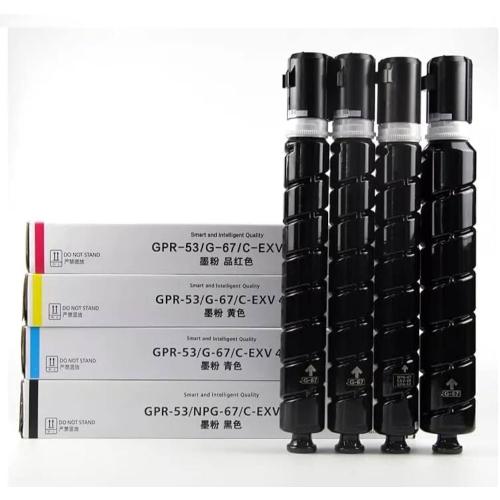
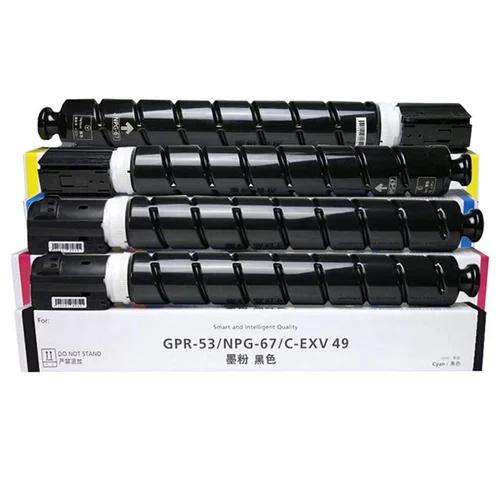
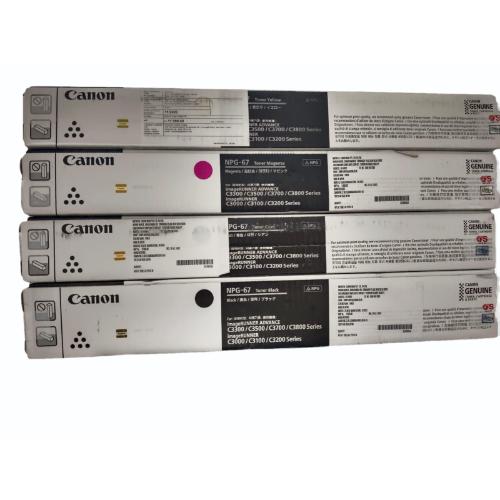
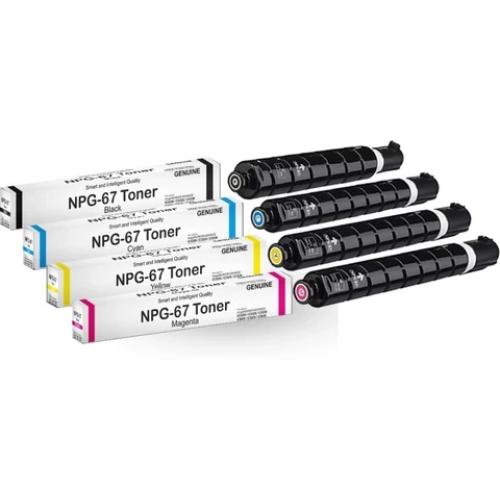
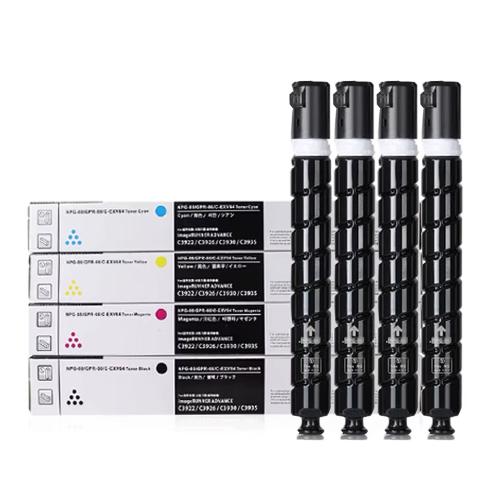
Canon NPG 67 CMYK, Cartridge About
The Canon 67 CMYK usually refers to either the Canon NPG-67 commercial copier toner set or the
Canon 067 desktop laser printer toner set
- Use Case: Small office and home office color printing (brochures, reports, and daily documents).
- Compatibility: Engineered for Canon imageCLASS and i-SENSYS models like the LBP631Cw, LBP633Cdw, and MF655Cdw.
- Standard Page Yield: Approximately 1,350 pages for the Black cartridge and 1,250 pages for each Cyan, Magenta, and Yellow cartridge
Outstanding Page Yield and ReliabilityEach Canon NPG 67 cartridge delivers a substantial page yield-approximately 19,000 pages for black and 15,000 for each color-minimizing replacement frequency and maximizing productivity. Designed for uninterrupted performance, these cartridges ensure consistent, professional-quality prints, making them ideal for demanding office settings.
Genuine OEM Quality for Peace of MindAs genuine Canon OEM consumables, the NPG 67 cartridges are manufactured to strict standards and tested for compatibility. The built-in smart IC chip ensures accurate toner level tracking, while the sealed packaging maintains freshness during storage and transit, delivering peace of mind to users.
FAQ's of Canon NPG 67 CMYK, Cartridge:
Q: How do I install the Canon NPG 67 CMYK cartridges in my printer?
A: Installing the Canon NPG 67 CMYK cartridges is simple. Open your printer's cartridge access panel, remove the old cartridge, and insert the new one, aligning it according to the printer's configuration. Once seated, close the panel and allow the printer to recognize the cartridge's smart IC chip for toner level detection.
Q: What is the page yield of the Canon NPG 67 CMYK cartridges?
A: The Canon NPG 67 cartridge yields approximately 19,000 pages for black and around 15,000 pages for cyan, magenta, and yellow, based on standard A4 printing. Actual yield may vary depending on coverage, printer model, and usage patterns.
Q: When should I replace the cartridges for optimal performance?
A: Replace the cartridges when your printer notifies you of low toner levels, as detected by the smart IC chip. Doing so ensures that print quality remains high and that your workflow continues without interruption.
Q: Where should I store unused Canon NPG 67 cartridges?
A: Keep unused cartridges in their original sealed packaging and store them in a cool, dry place. Recommended storage temperature is between 15C and 35C, with relative humidity between 10% and 85%, to maintain toner quality and extend the shelf life up to 24 months.
Q: What are the benefits of using genuine Canon NPG 67 cartridges over third-party options?
A: Genuine Canon NPG 67 cartridges are rigorously tested for consistent performance, printer compatibility, and optimal print results. The integrated smart IC chip provides accurate toner monitoring, while reliability, ease of installation, and warranty protection offer added peace of mind.
Q: How does the smart IC chip help with the cartridge usage process?
A: The smart IC chip in each cartridge automatically communicates with your printer to monitor toner levels in real-time, helping you plan replacements and avoid unexpected printing interruptions.






 Send Inquiry


 Send Inquiry