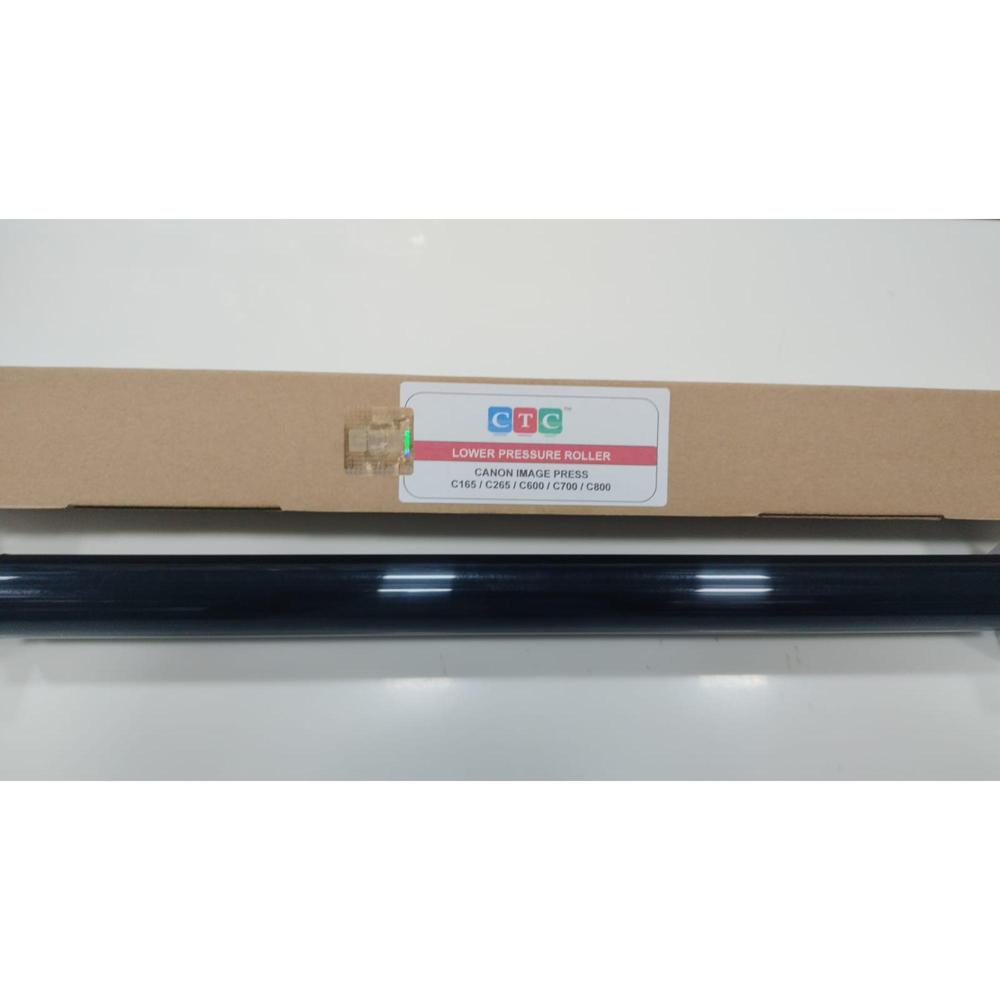
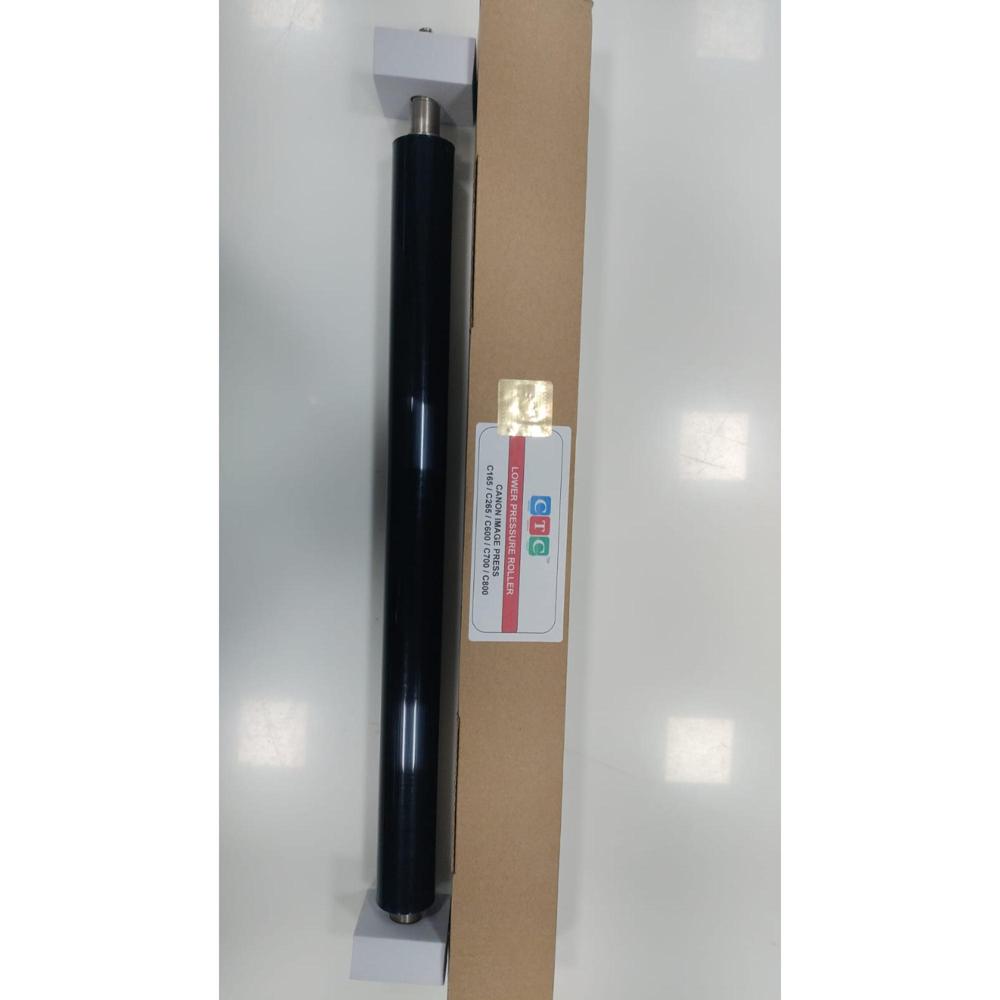
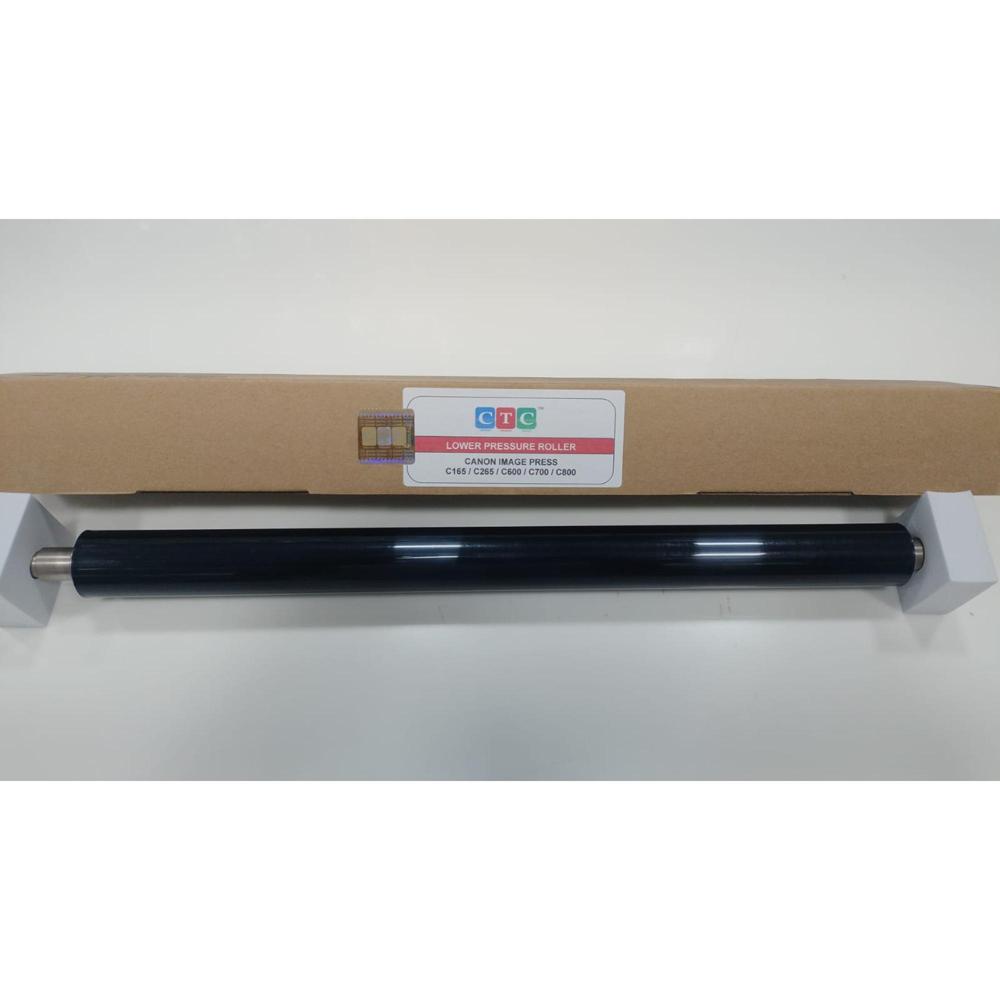
CTC CANON PRESSURE ROLLER C165 / C265 / C600 / C700 / C800 About
The Canon lower fuser pressure roller used in the imagePRESS C165, C265, C600, C700, and C800 series is a vital fusing-assembly component that applies uniform downward pressure against the heat roller to permanently bond melted toner onto the paper
Uniform Pressure for Optimal Image QualityOur lower pressure roller features a precisely engineered smooth surface that distributes pressure uniformly across the paper during the printing process. This ensures clear, consistent image transfer and enhances the overall output of your laser printer.
OEM Equivalent Quality & FitManufactured to match OEM specifications, this pressure roller guarantees compatibility and reliable performance in the specified Canon printer models. Installation is straightforward, making it an ideal replacement for worn rollers without compromising on quality.
Long-Lasting Performance & Reliable OperationConstructed from durable materials, the roller is built to withstand standard duty cycles, ensuring a high working life and stable functionality. Its silent operation supports a noise-free environment, allowing for productivity without distractions.
FAQ's of CTC CANON PRESSURE ROLLER C165 / C265 / C600 / C700 / C800:
Q: How do I install the CTC Canon Pressure Roller in my printer?
A: Installation is straightforward-simply remove the old lower pressure roller from the fusing section, insert the new roller following your printer's service guide, and ensure it fits securely. No special tools are required, and the OEM-specific dimensions ensure a precise fit.
Q: What benefits does the smooth surface of the roller provide?
A: The roller's smooth surface ensures uniform pressure distribution, which helps to produce sharp, clear prints and prevents paper jams or uneven fusing, thereby enhancing print quality and reliability.
Q: When should I replace the lower pressure roller in my printer?
A: It is advisable to replace the lower pressure roller if you notice a decline in print quality, frequent paper jams, or after the standard duty cycle recommended by your printer's maintenance schedule to maintain optimal performance.
Q: Where is the lower pressure roller located in my printer?
A: The lower pressure roller is positioned within the fusing/pressure section of your printer, directly underneath the fuser unit. It works in tandem with the upper fuser to bond toner onto the paper efficiently.
Q: What is included in the package when I order this roller?
A: Each package contains one brand-new lower pressure roller, securely packed in protective packaging to prevent damage during transit, ensuring it arrives in perfect condition ready for installation.
Q: Can this roller be used in printers other than the specified Canon models?
A: This roller is specifically designed to match the OEM specifications for Canon models C165, C265, C600, C700, and C800 (Model No: 99). It is not recommended for use in other printer models as it may not fit or function correctly.
Q: How should I store the pressure roller before installation?
A: For optimal preservation, store the roller in a cool, dry place away from direct sunlight and extreme temperatures. This helps maintain the material's integrity and ensures it performs at its best when installed.







 Send Inquiry


 Send Inquiry