Xerox c8030 c8035 c8045 c8055 c8070 Fuser ORIGINAL OEM PARTS INSIDE CTC About
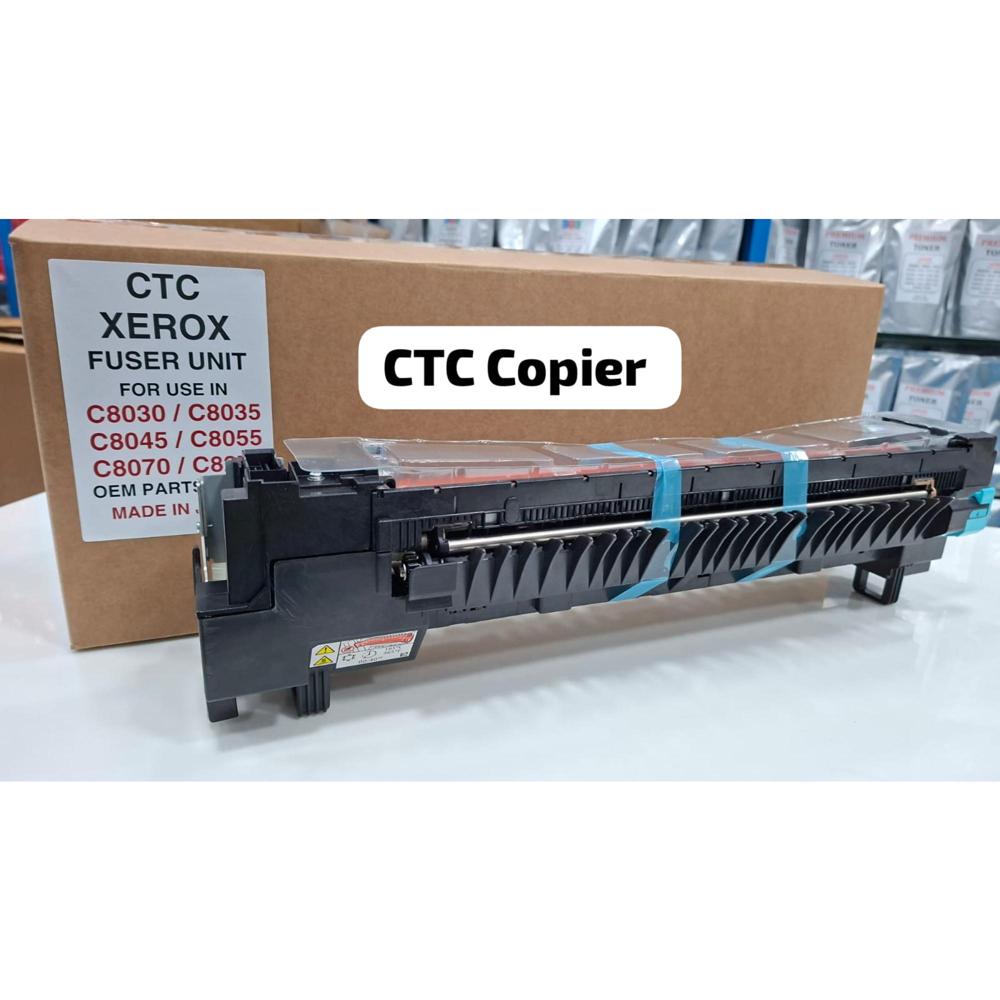
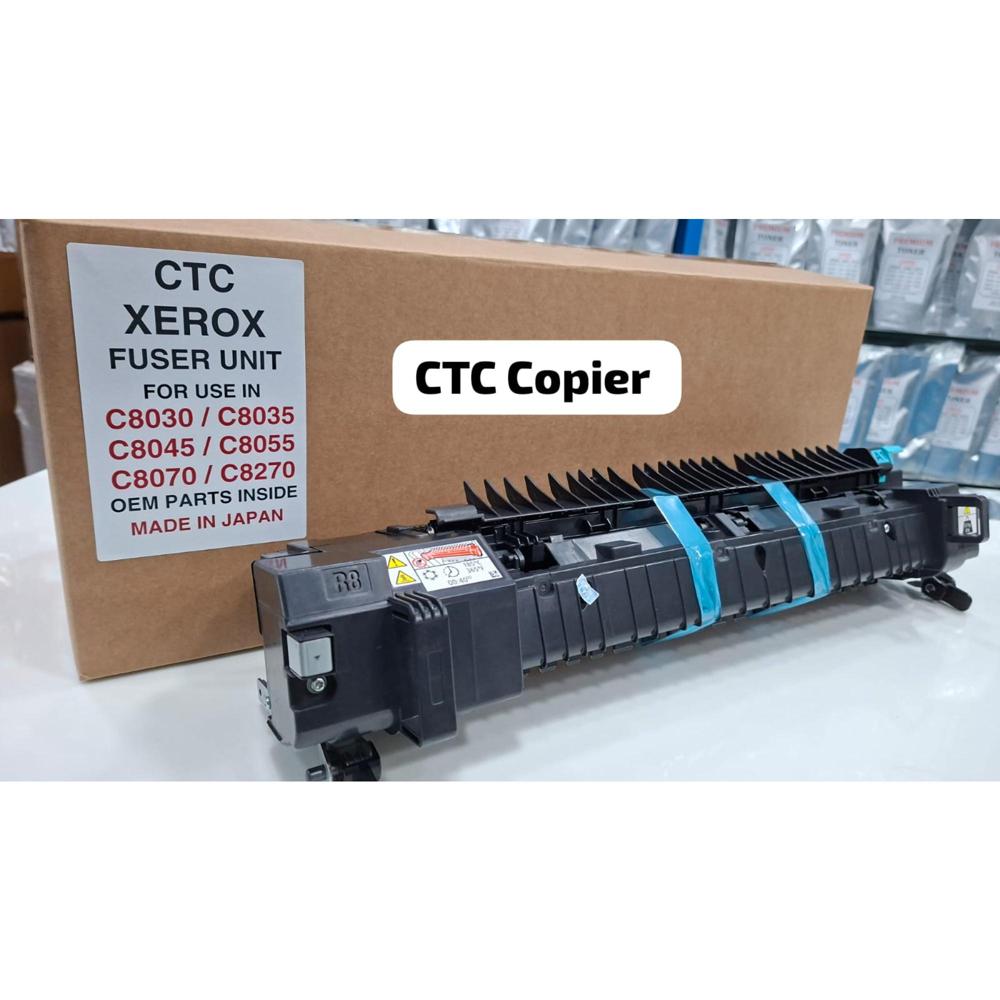
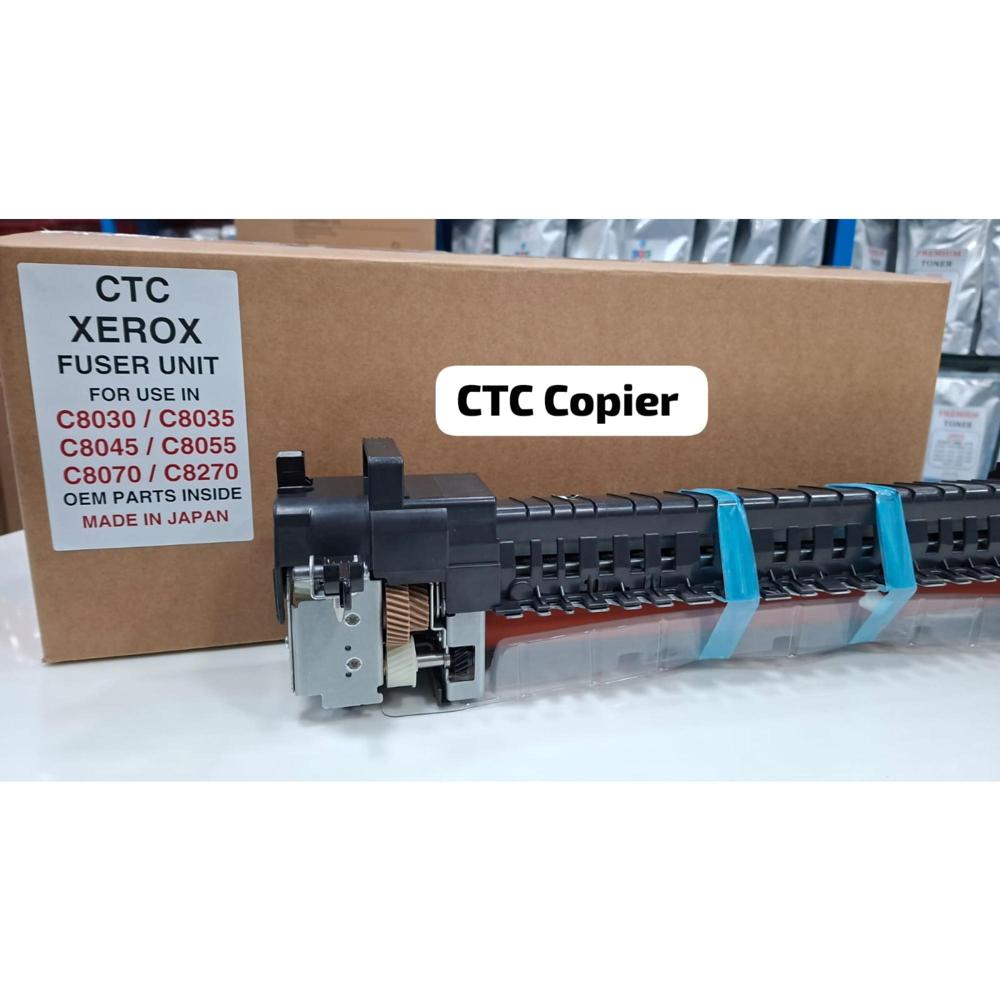
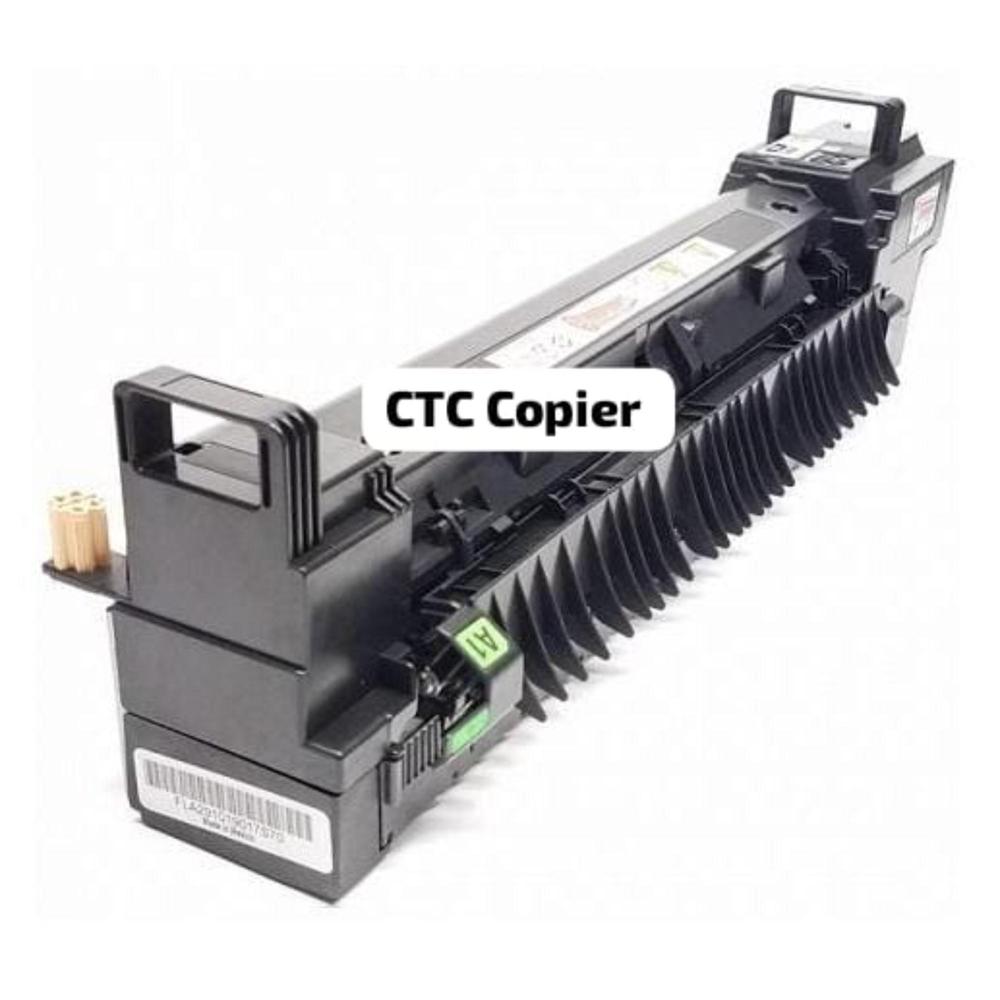
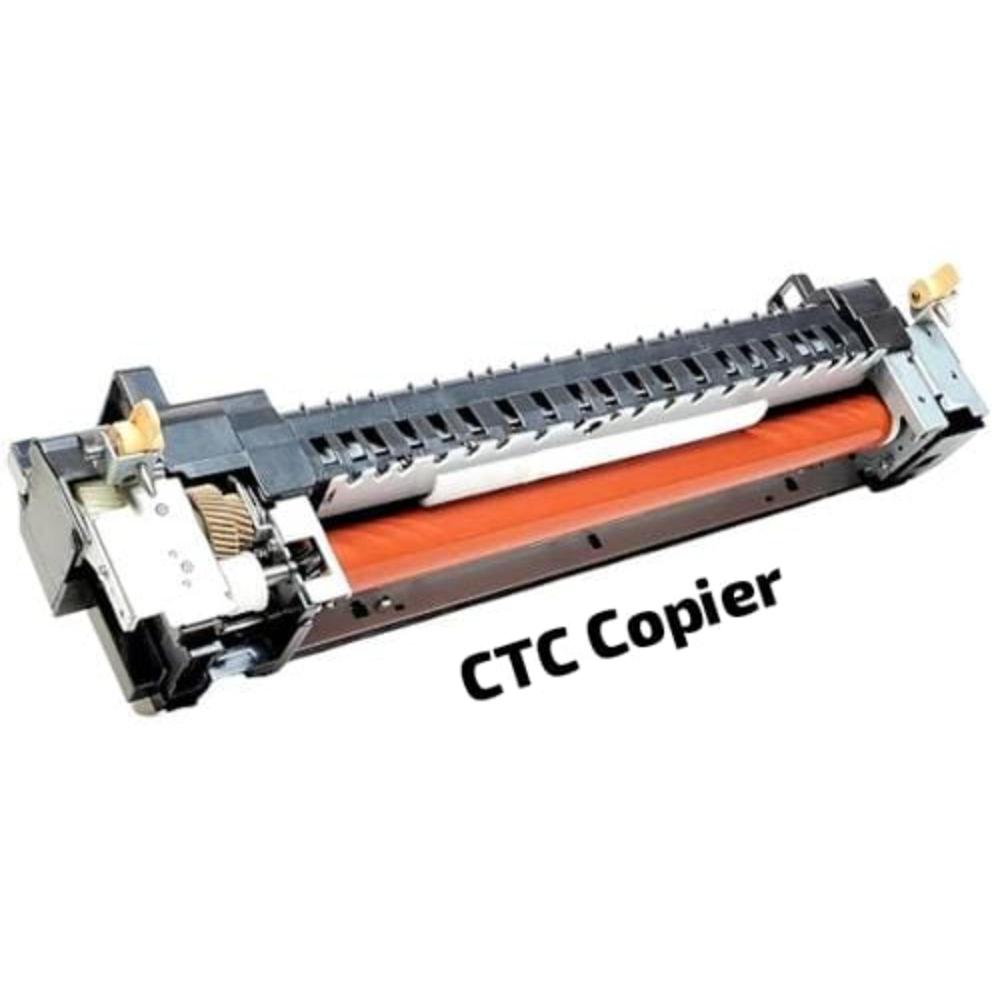
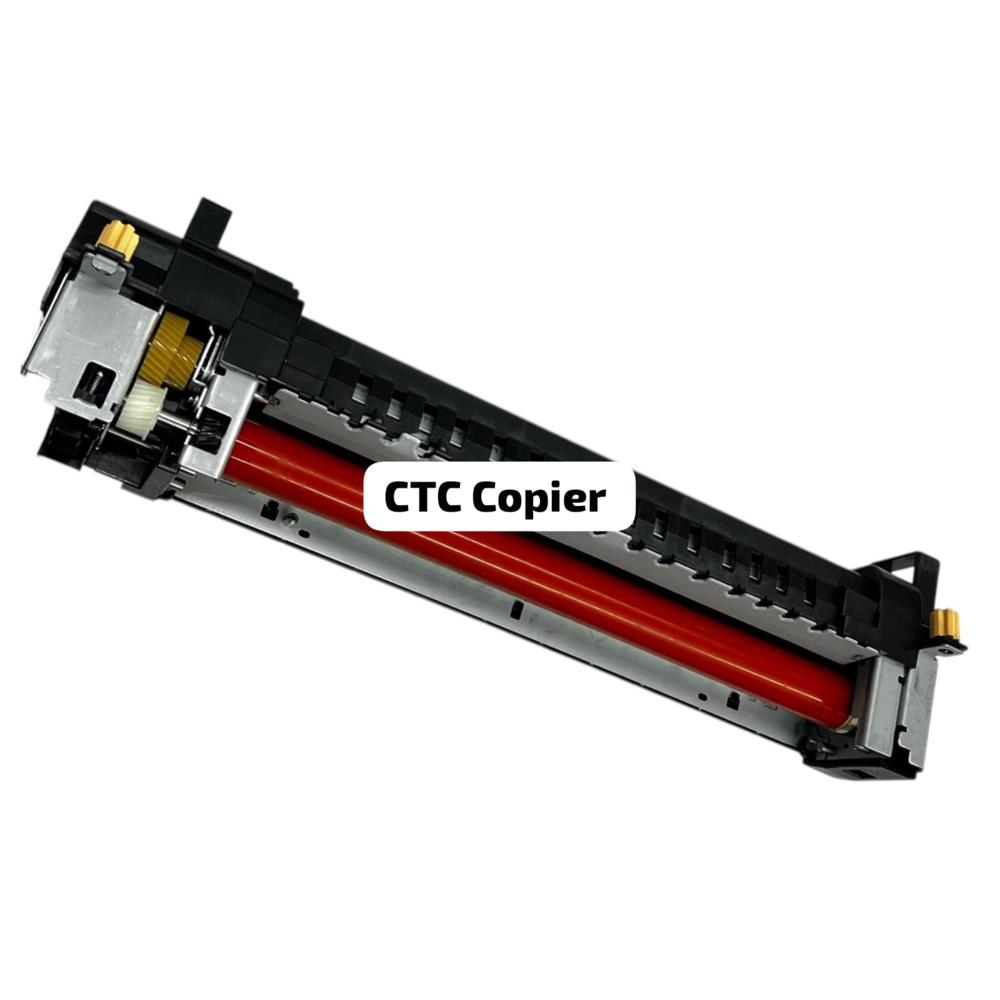
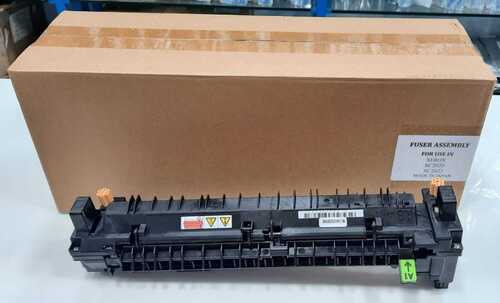
The Xerox AltaLink C8030/C8035/C8045/C8055/C8070 Fuser Unit is a high-volume, critical maintenance assembly designed for color multifunction printers. Units marketed as having "ORIGINAL OEM PARTS INSIDE" (often abbreviated as "OOPI" or similar by CTC/distributors) indicate that the crucial components (such as the upper fuser roller and/or heating element) are authentic Xerox manufactured parts, even if the assembly may be refurbished or built by a third-party, such as CTC.
Genuine OEM Fuser for Optimum ResultsThis original Xerox fuser is engineered to match the specifications of the C8030, C8035, C8045, C8055, and C8070 printers. Installing an authentic OEM part guarantees superior performance, fewer maintenance issues, and brilliant print quality every time.
Reliable and Durable ConstructionConstructed to withstand the demands of high-volume printing, the fuser has a robust build and weighs 4 kilograms, offering increased longevity and reliability for business operations. Its precise compatibility ensures seamless installation and excellent operational efficiency.
FAQ's of Xerox c8030 c8035 c8045 c8055 c8070 Fuser ORIGINAL OEM PARTS INSIDE CTC:
Q: How do I know if this fuser is compatible with my Xerox printer?
A: This fuser is compatible exclusively with Xerox models C8030, C8035, C8045, C8055, and C8070. Always check your printer's model number before purchase to ensure proper fit and functionality.
Q: What are the key benefits of using the original OEM fuser?
A: Using an original OEM fuser ensures consistent print quality, reduces the risk of printer malfunctions, extends the lifespan of your device, and helps maintain warranty coverage on supported Xerox models.
Q: When should I replace the fuser in my Xerox printer?
A: It is recommended to replace the fuser when print quality declines or your printer notifies you that the fuser's life is ending. Refer to your printer manual for specific guidance based on your usage frequency.
Q: Where can I purchase this Xerox fuser part?
A: You can acquire this genuine fuser from authorized distributors, exporters, importers, manufacturers, service providers, suppliers, traders, or wholesalers who offer Xerox OEM parts.
Q: What is the process for installing the Xerox fuser?
A: Refer to your specific printer's user manual for installation procedures. Generally, replacing the fuser involves shutting off the printer, allowing it to cool, removing the old unit, and carefully installing the new OEM fuser in its designated slot.
Q: How does using an OEM fuser improve printer performance?
A: OEM fusers are designed for precise compatibility, resulting in less downtime, reduced wear on other components, and consistently high-quality output, which is crucial for business and professional environments.








 Send Inquiry


 Send Inquiry