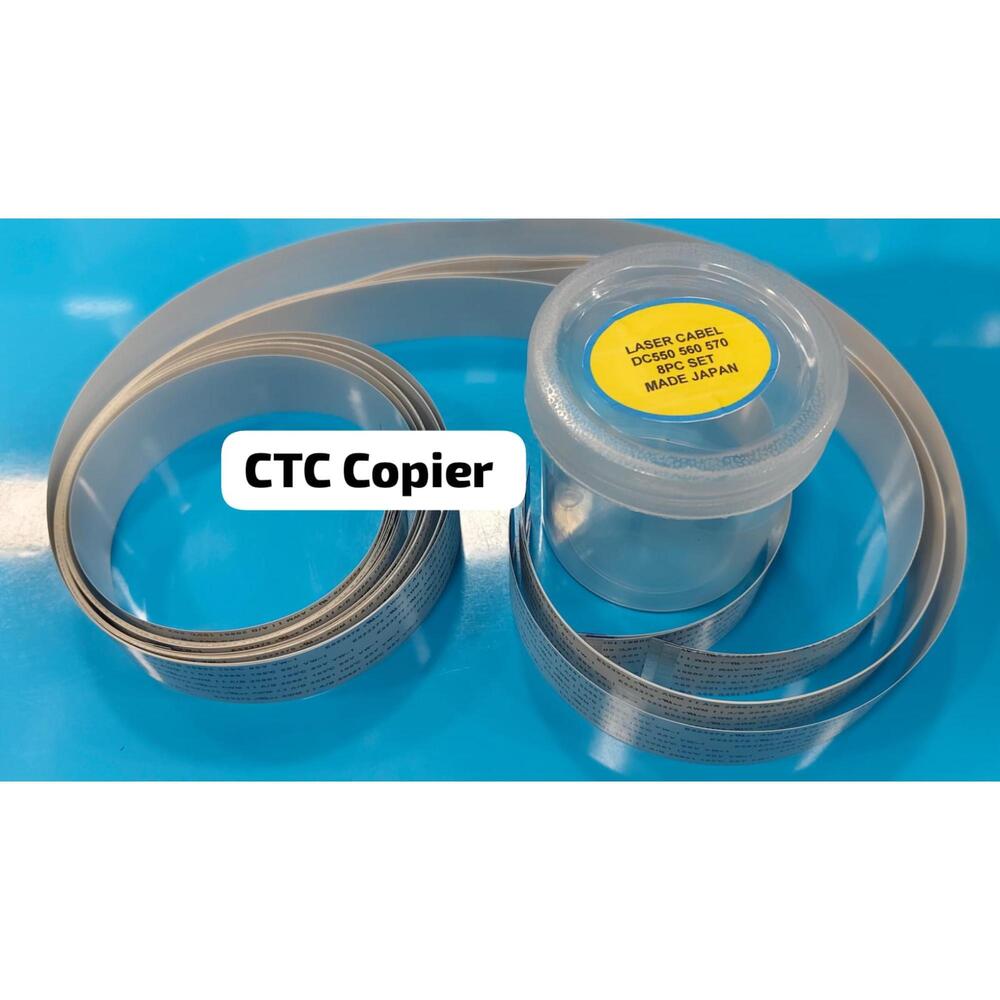
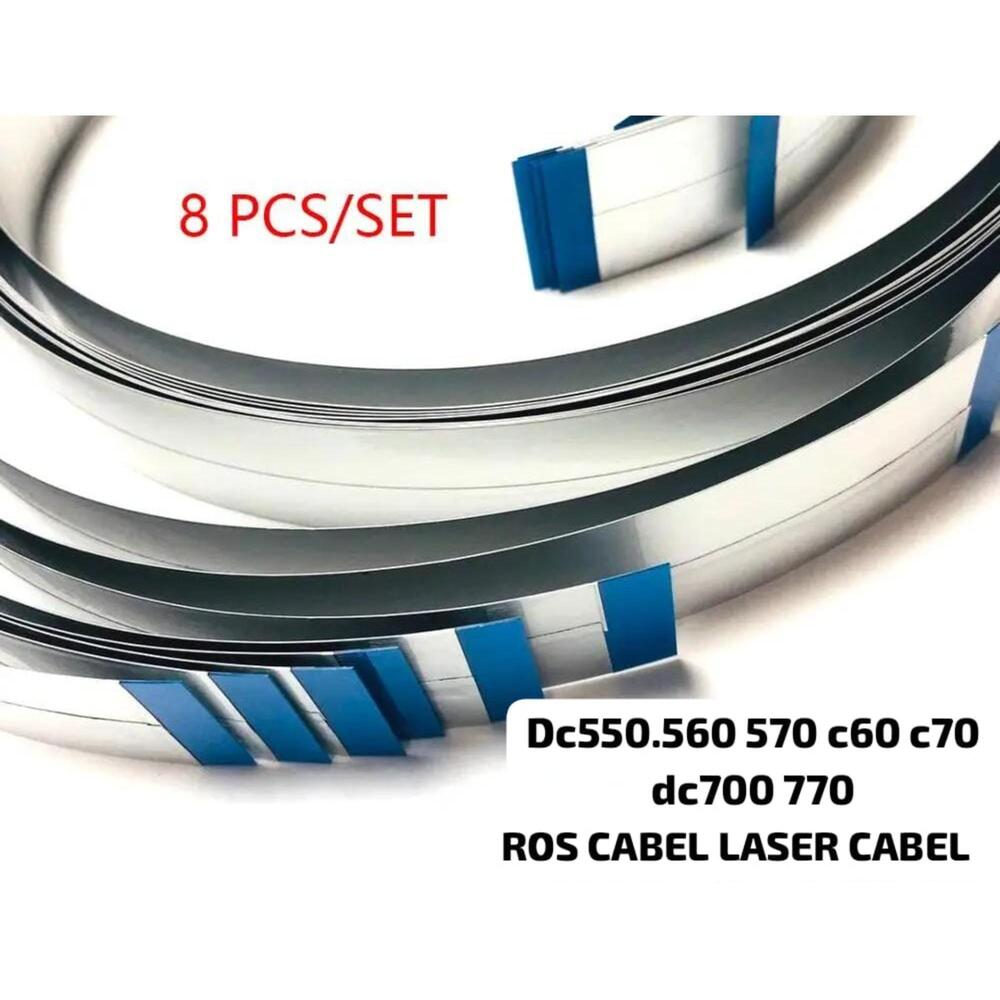
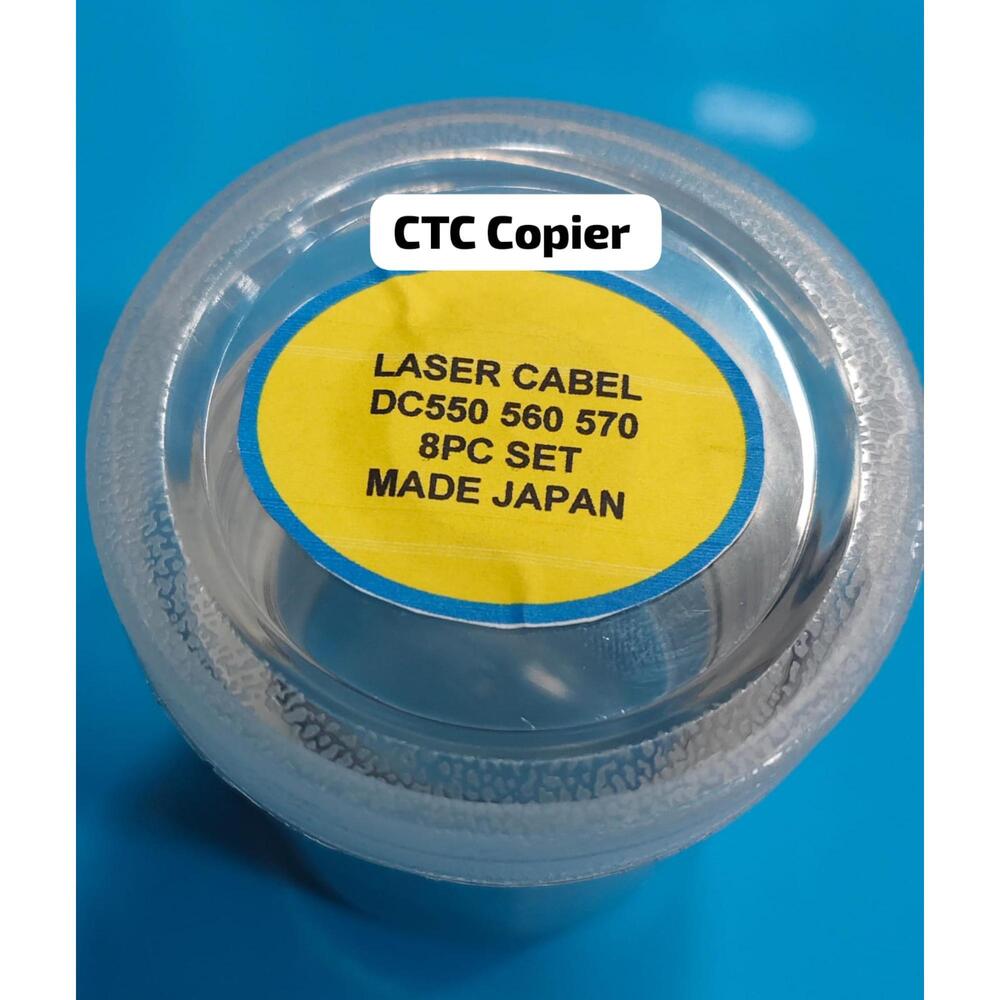
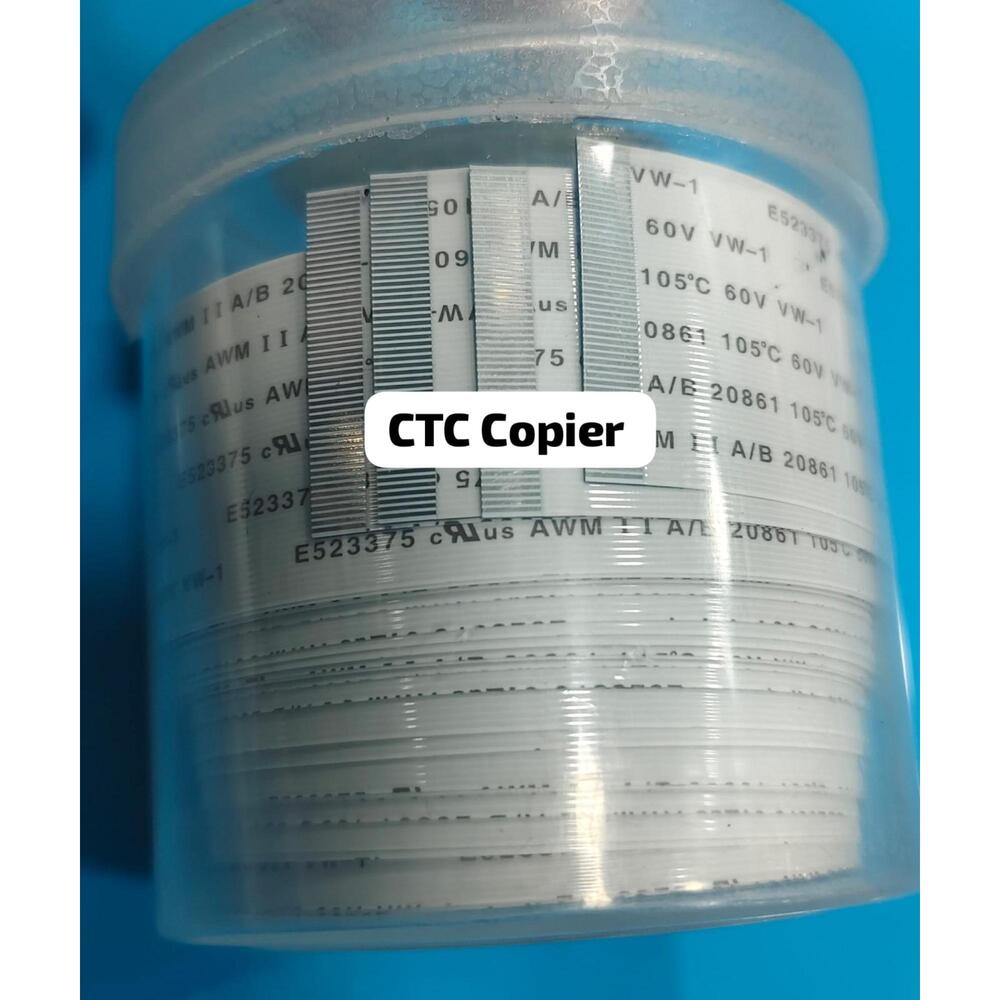
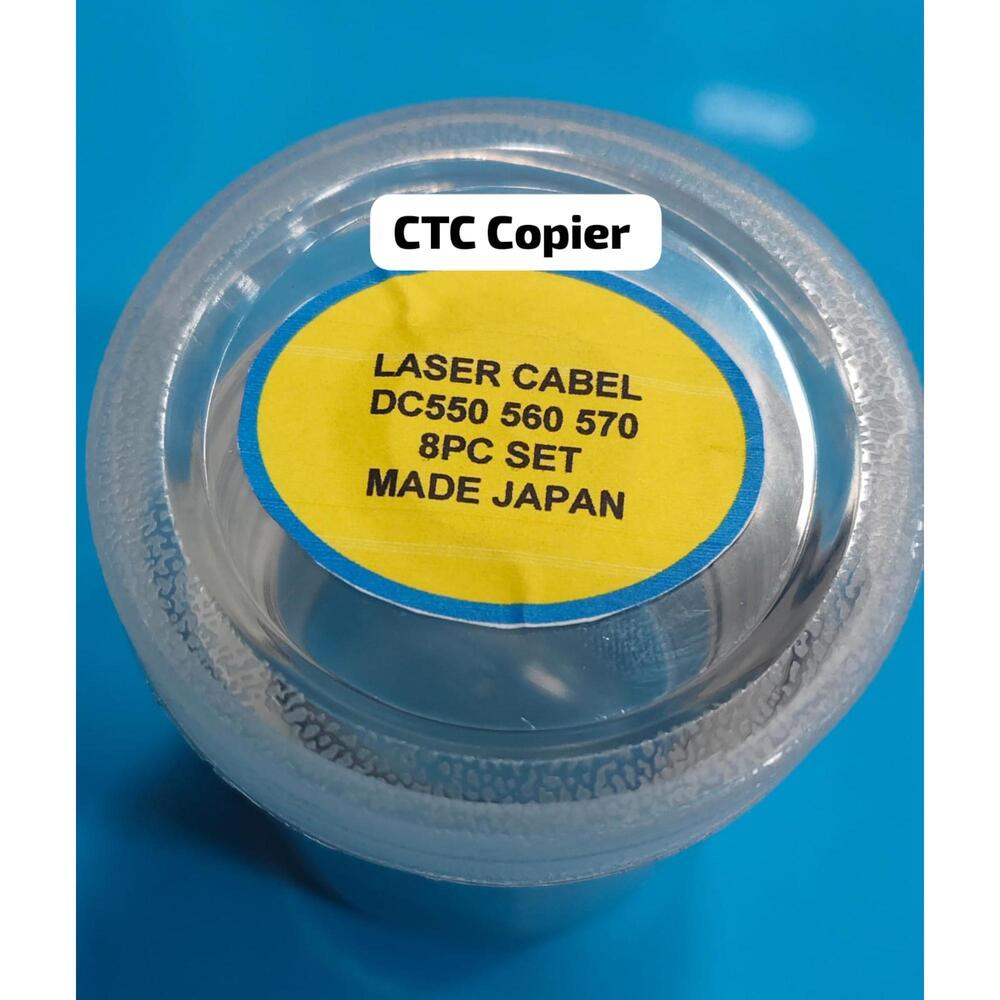
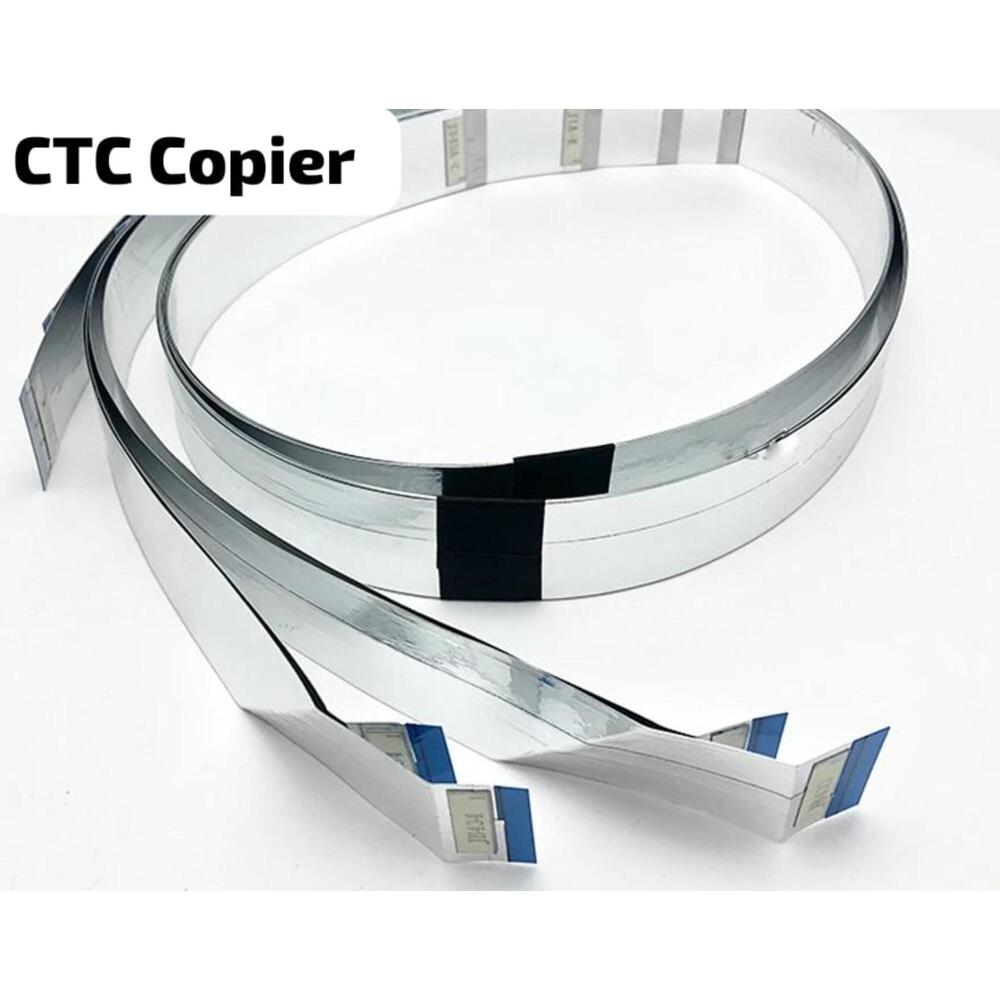
Xerox Dc550 560 570 Dc250 252 260 C60 C70 Dc700 Dc770 ROS LASER CABEL NEW SET 8PC About
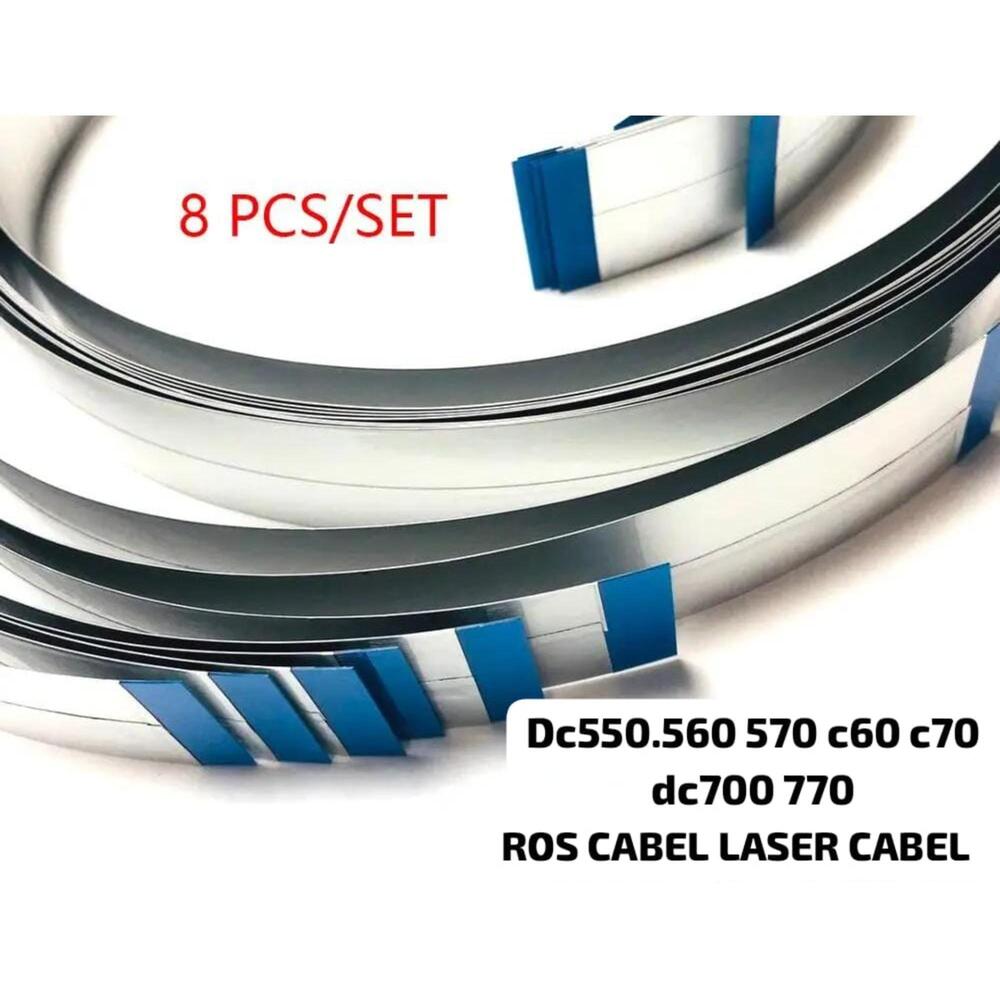
DocuColor 240, DocuColor 242, DocuColor 260, DocuColor 250, DocuColor 252, Color 550, Color 560, Color 570, Color C60, Color C70, Color C75 Press, Color J75 Press, Digital Color Press 700, Digital Color Press 700i, Digital Color Press 770, WorkCentre 7655, WorkCentre 7665, WorkCentre 7675, WorkCentre 7755, WorkCentre 7765, WorkCentre 7775, WorkCentre 7965, WorkCentre 7975Unmatched CompatibilityThis ROS Laser Cable set is engineered to fit a broad range of Xerox multifunction printers, including the DC series from 250 up to 770 and C60/C70 models. The universal compatibility allows easy integration, making it an ideal choice for maintenance professionals and business use.
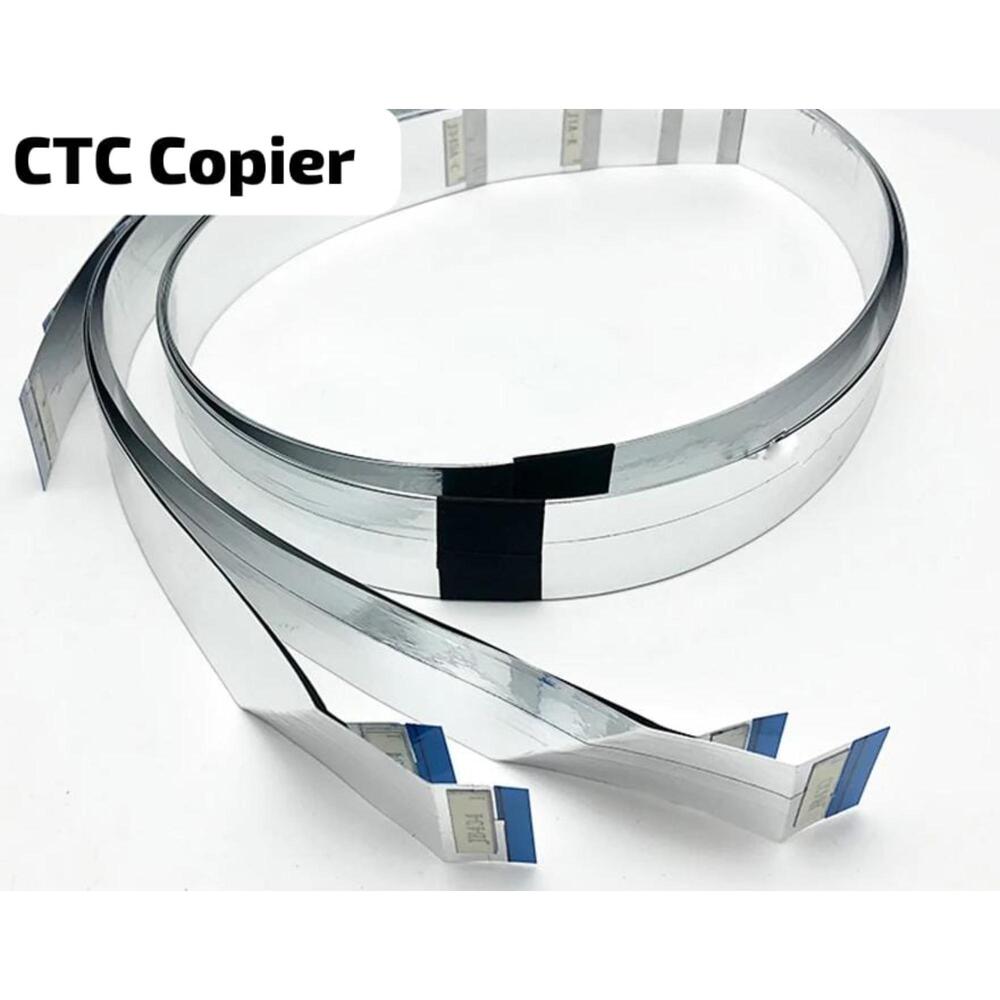
Efficient Replacement SolutionReplace old or damaged laser cables effortlessly with this comprehensive set of 8 pieces. Designed for easy installation, this set is perfect for service providers looking to minimize printer downtime and maintain optimal device performance.
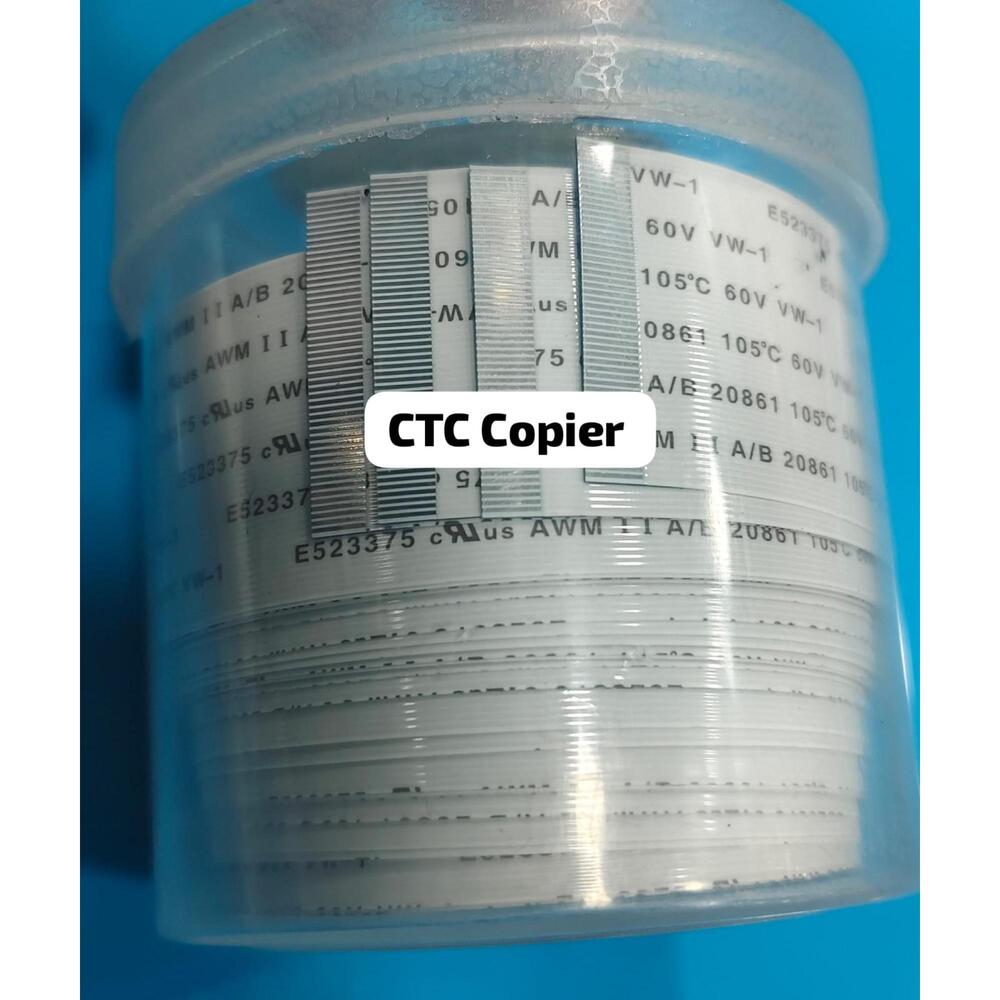
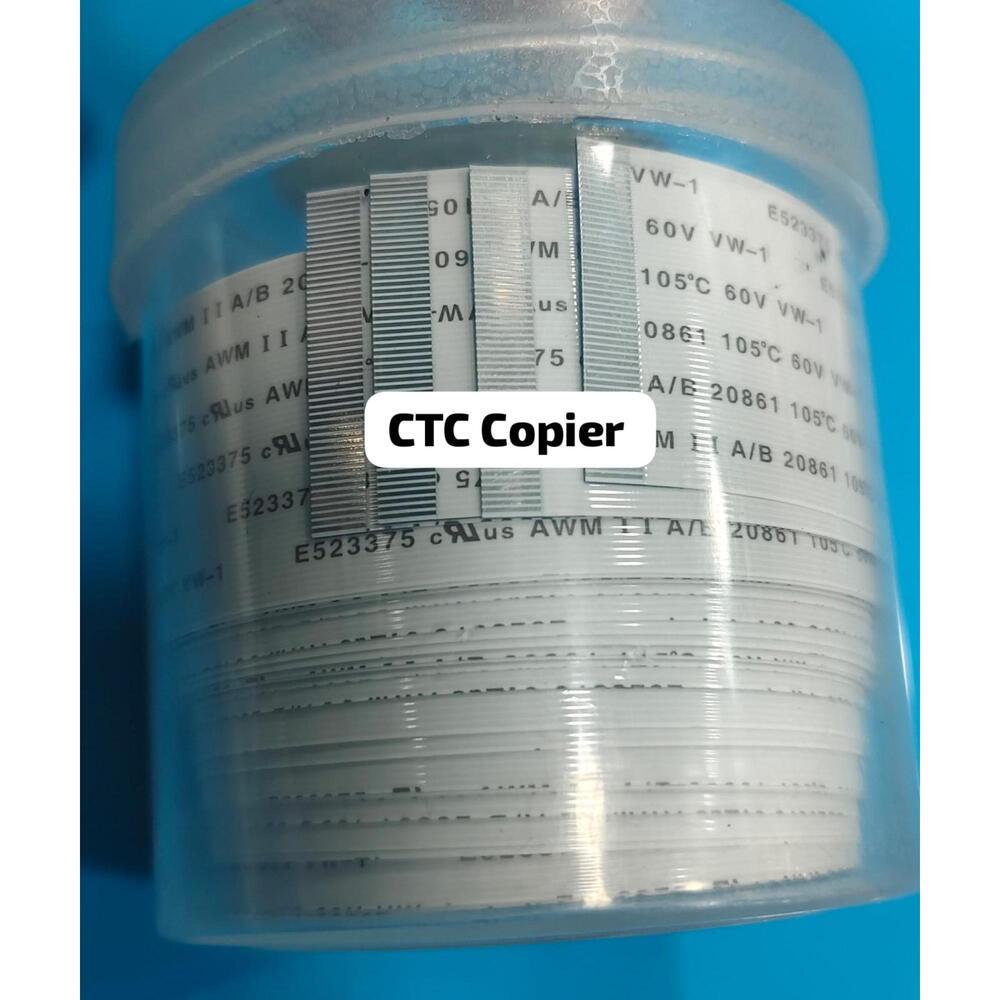
Reliable Quality from CTCManufactured with attention to quality, the white CTC-branded ROS Laser Cables ensure longevity and stable signal transmission for high-quality print results. With a capacity of 1000, these cables are a cost-effective solution for high-volume printing environments.
FAQ's of Xerox Dc550 560 570 Dc250 252 260 C60 C70 Dc700 Dc770 ROS LASER CABEL NEW SET 8PC:
Q: How do I install the ROS Laser Cable New Set in my Xerox printer?
A: To install the ROS Laser Cable set, first power off the printer and disconnect it from any power source. Open the service panel, remove the old cables, and replace them with the new ones from the set, ensuring secure connections as per the manufacturer's guidelines. Once installed, close the panel and power on the machine to test the operation.
Q: What printer models are compatible with this laser cable set?
A: This cable set is compatible with several Xerox models, specifically DC550, DC560, DC570, DC250, DC252, DC260, C60, C70, DC700, and DC770. It is designed for use in these models to ensure optimal performance and integration.
Q: When should I consider replacing the ROS Laser Cables in my printer?
A: You should replace the ROS Laser Cables if you notice print quality degradation, frequent error messages related to the laser or print engine, or after reaching the recommended usage capacity (around 1000 as indicated for this set). Routine maintenance checks can also help determine when a replacement is necessary.
Q: Where can I purchase the ROS Laser Cable New Set in India?
A: This product is widely available through distributors, exporters, importers, manufacturers, service providers, suppliers, traders, and wholesalers across India. You can acquire it from authorized CTC partners for genuine parts and reliable after-sales service.
Q: What is the process for ensuring correct installation and usage of these laser cables?
A: For effective installation, follow the step-by-step instructions provided with the product, and ensure all safety precautions are observed. If unsure, it's advisable to seek professional assistance from a service provider or technician experienced with Xerox printers.
Q: What are the main benefits of using this compatible ROS Laser Cable Set from CTC?
A: This laser cable set ensures consistent print quality, reduces downtime, and is engineered for durability to withstand high-volume environments. Its precise compatibility and reliable design support sustained printer performance, making it a smart investment for businesses and service professionals.






 Send Inquiry


 Send Inquiry